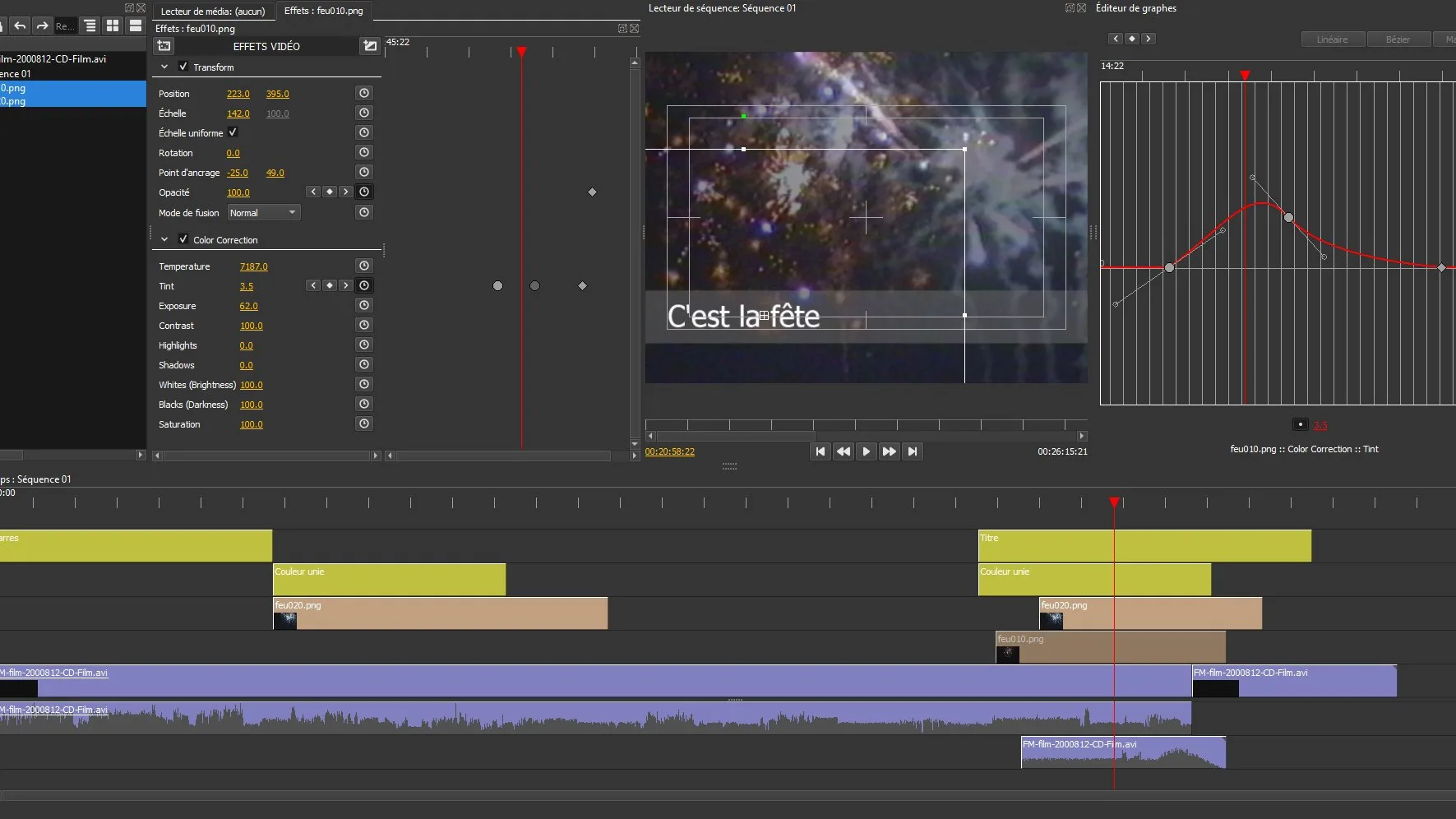
Every video editor, from free phone apps to the software used for feature films, works on the same basic idea: a timeline where clips sit in order, with audio and titles on layers above and below. Learn the basic steps once and they carry over to any program.
1. Import
Create a new project and bring in your clips, music and any photos. Keep everything for one project in one folder so the editor does not lose track of files later. If you shot on a phone, import the original files rather than ones compressed by a messaging app.
2. Trim
Watch each clip and cut away the parts you do not need: the fumbling at the start, the camera swinging down at the end. Most of editing is removing things. A three-minute video that holds attention is better than a ten-minute one that does not.
3. Arrange
Drag clips into the order that tells your story. A common pattern is a wide shot to show where we are, then medium and close shots to show what is happening. Cut on movement when you can, since a cut in the middle of an action feels smoother than one during stillness.
4. Sound
Balance the levels so speech is clear. If you add music, lower it under talking. Most editors have a “ducking” or volume keyframe tool for this. Only use music you have rights to; free libraries such as YouTube’s Audio Library are a safe start.
5. Titles and export
Add a simple title and captions if people may watch without sound. Then export. For most uses, 1080p in the MP4 format with the H.264 codec plays everywhere. Watch the exported file all the way through before you share it.
Keep transitions simple
Beginners love star wipes and spinning cubes. Professionals mostly use straight cuts, with an occasional dissolve to show time passing. If a transition draws attention to itself, it is probably the wrong one.
Missed the first part? Start with shooting basics.
Sources: iMovie User Guide, Apple; YouTube Audio Library; Film editing, Wikipedia.